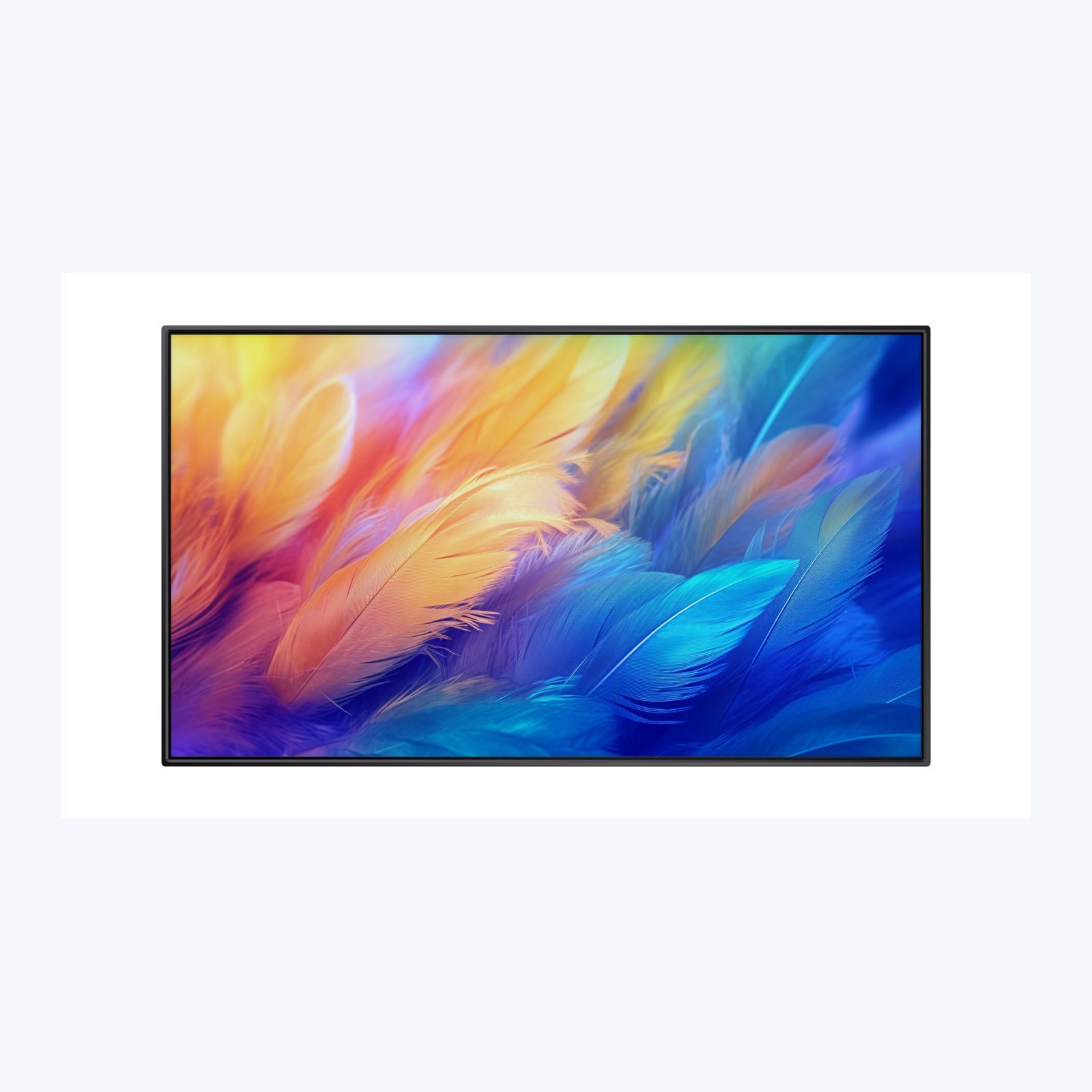
When planning a multi-site digital signage rollout, flexible configuration and consistent ordering are top priorities for international distributors, integrators and project buyers. The NovaBridge DS20 Value Wall-Mounted Digital Signage is positioned as a cost-effective platform for repeat rollouts and wholesale projects, combining a stable moulded rear structure, A-grade LCD panel and Android signage platform to suit retail, hospitality and commercial information network use cases. Before finalizing configuration for a bulk rollout, documenting clear project requirements is a recommended confirmation step to help you match specifications to end user needs, and align ordering across multiple locations. This guide walks through the key available specifications of the DS20 to support your evaluation for an upcoming multi-site project.
Selecting the Right Screen Size for Your Rollout
The DS20 Series offers four standard screen sizes for indoor commercial installations: 43 inch, 50 inch, 55 inch and 65 inch. When choosing a size for your rollout, you can first confirm the typical viewing distance for end users and the available wall space at each installation location. Different size options are available to fit different installation spaces and use case needs. Standardized sizing across the DS20 line gives a consistent set of options for bulk ordering and inventory planning for repeat rollouts, with shared baseline specifications across all models that can be referenced for installation planning.
Choosing Between FHD and 4K Resolution
The DS20 platform offers both FHD (1920 × 1080) and 4K (3840 × 2160) resolution options, with availability depending on the specific model you select. No matter what type of content you plan to display, you can select a resolution that aligns with your project’s content requirements. Before placing a bulk order, you can confirm the type of content that will run on each signage unit across your rollout to select the appropriate resolution option for each location.
Matching Brightness to Installation Conditions
The DS20 comes with 500 cd/m² typical brightness as a standard configuration, with 700 cd/m² and 1000 cd/m² brightness options available on select models. Brightness needs vary based on the ambient light levels of each installation space, so you can confirm the ambient light conditions of each site before selecting a brightness option for your order. All DS20 models include 178° horizontal and 178° vertical viewing angles as a standard specification, regardless of the installation orientation you choose.
Configuring Platform, Memory and Connectivity
Per published product specifications, the DS20 runs on Android 11, built on a quad-core Cortex-A55 processor with a maximum clock speed of 1.8 GHz. The standard reference memory configuration is 2 GB RAM plus 32 GB storage, with alternative memory options available to suit different project requirements. For networking connectivity, all DS20 models come standard with Wi-Fi, Ethernet and Bluetooth 5.2, with 4G connectivity available as an optional add-on for locations that require it. The platform natively supports both landscape and portrait playback, plus loop playback, split screen display and scheduled power functions, as listed in product specifications. The product reference notes a panel life of 50,000 hours or more as a reference value for project planning.
Mounting and Project Customisation Options
As a dedicated wall-mounted digital signage platform, the DS20 features a stable moulded rear structure as part of its core design. The platform works for both landscape and portrait orientation, so you can select the alignment that matches the content and wall space requirements of each location in your rollout. For distributors and brands working on bulk projects, the DS20 supports customisation including OEM logo placement, customised packaging and wholesale configuration to match your unique project specifications.
Confirm Core Requirements Before Finalising Your Order
Before finalising your DS20 configuration for a multi-site rollout, documenting all core requirements is an important confirmation step to streamline planning and execution. Key details to confirm ahead of ordering include the total number of units needed, screen size per location, resolution requirements, brightness needs based on site ambient light, network connectivity requirements and any branding or customisation needs. A clear project brief supports aligned planning across all parties involved in your rollout. The DS20 is listed as suitable for a range of indoor commercial applications including retail chains, menu boards, hotels, corporate communication, healthcare and bulk signage projects. If you are evaluating the DS20 wall-mounted digital signage for your upcoming multi-site digital signage rollout, you can share your full project requirements and specific configuration needs to review all available options for your project.