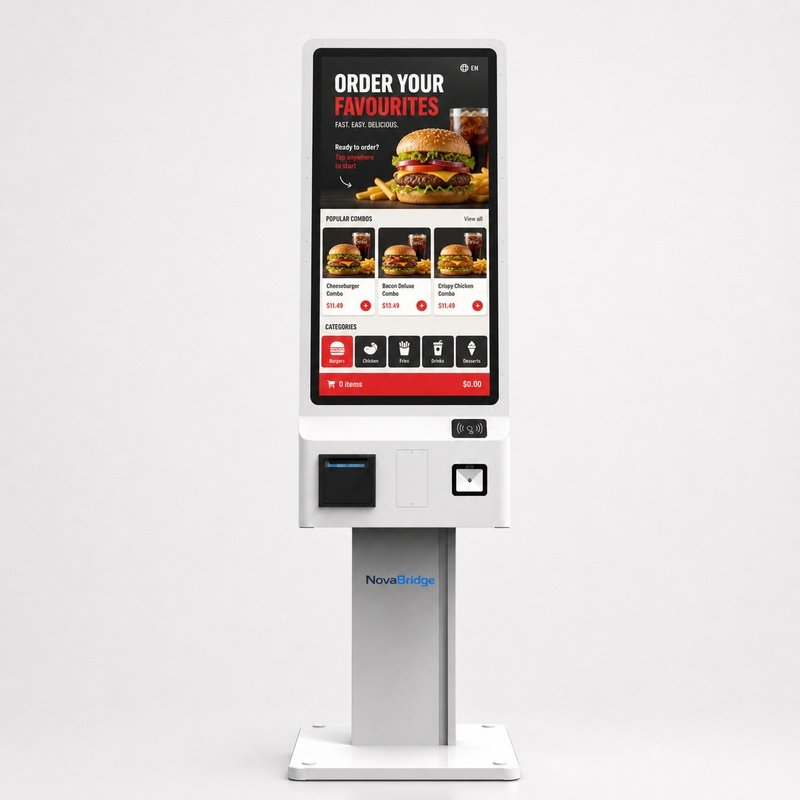
A self-ordering kiosk is not just a touch screen on a stand. It is a customer-facing service terminal, so the hardware should be planned around the full journey: browsing, ordering, payment, receipt printing and support when something goes wrong.
The most important choices usually include screen size, touch technology, operating system, printer position, QR or barcode scanning, payment terminal mounting and cable management. Restaurants and cafés may prefer a compact freestanding design, while cinemas, canteens and service halls may need a larger screen or more integrated peripherals.
Because software and payment rules differ by country and project, NovaBridge recommends confirming the hardware interface requirements before production. This helps reduce later modification work and makes integration easier for local software teams.